# Introduction: What Is an AI Sports Camera?
In recent years, technology has reshaped how we interact with sports. The AI sports camera is at the forefront of this revolution.
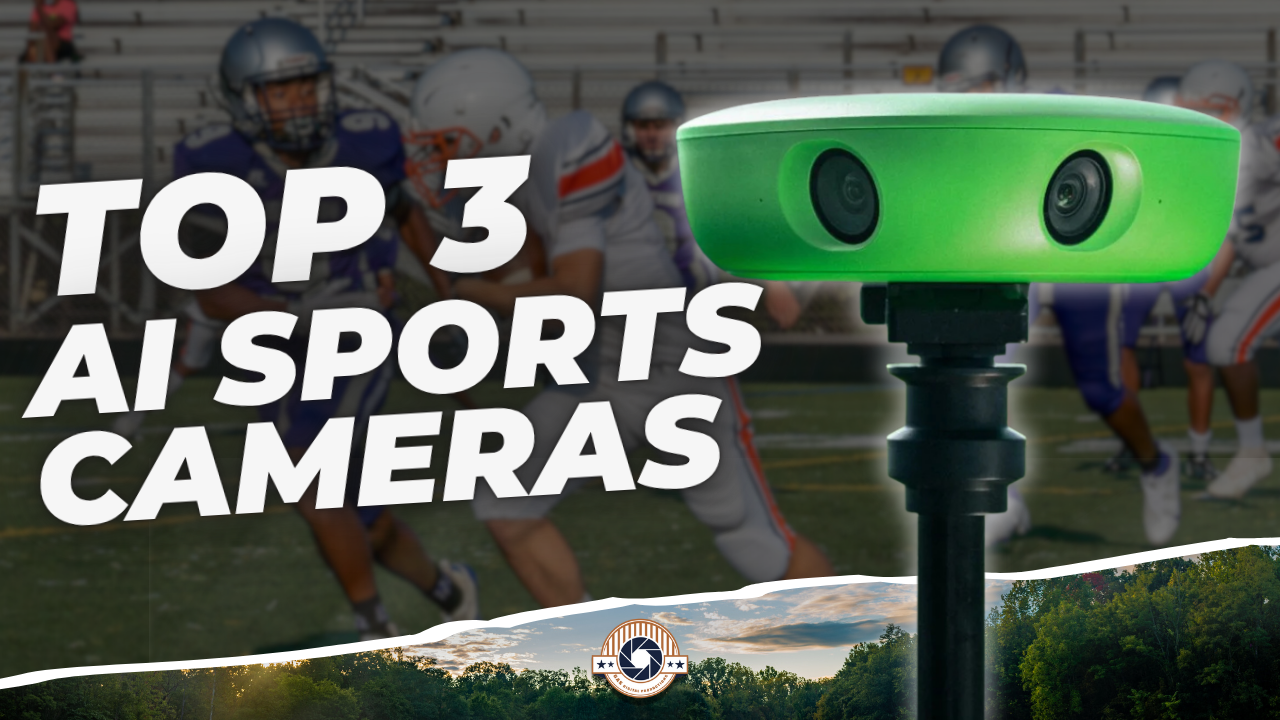
Essentially, an AI sports camera is a smart device designed to automatically film, track, and analyze sporting events without human intervention. These cameras leverage artificial intelligence to identify players, follow the action, and deliver rich performance insights in real time.

Whether you’re a coach, athlete, or a sports enthusiast, understanding how these systems work can be a game-changer.
# How Does an AI Sports Camera Work?
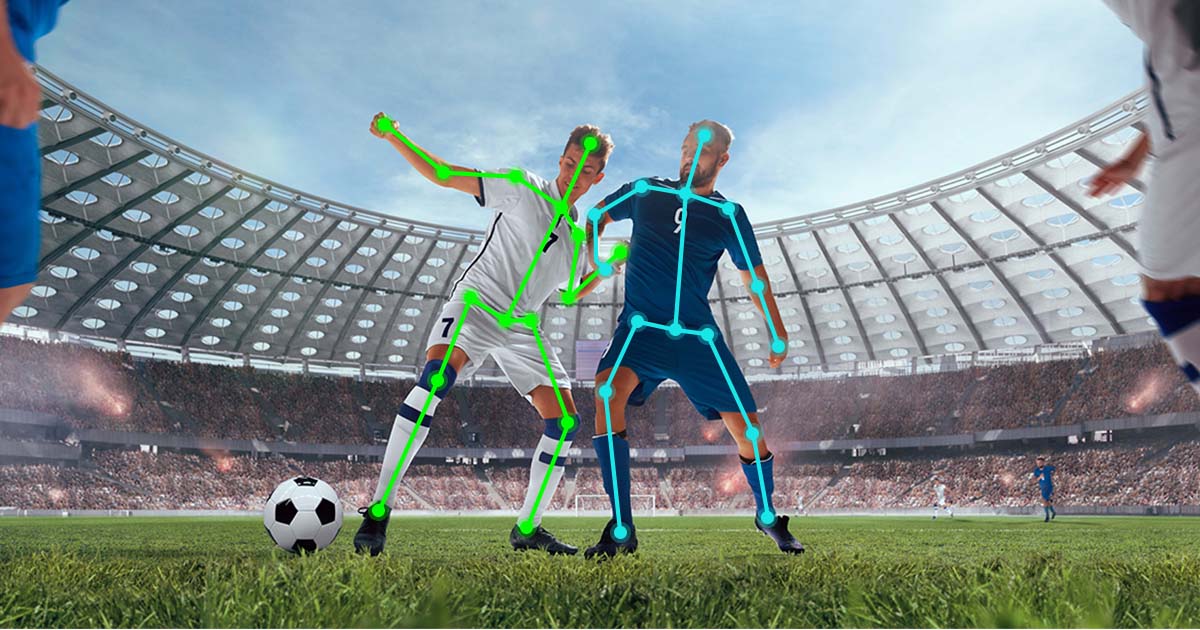
Here’s where things get interesting. Unlike traditional cameras, AI sports cameras use machine learning algorithms to recognize movements, shapes, and even team colors. The camera’s onboard AI can distinguish between different players and dynamically adjust its focus and framing accordingly.
For example, Pixellot and Veo utilize advanced computer vision to follow the ball automatically. According to a report by Parks Associates, more than 63% of sports teams in Europe have begun integrating AI-powered sports tech to enhance training efficiency (Source: Parks Associates, 2023).
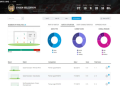
Not only do these cameras optimize video quality, but they also provide instant analytics, making post-game reviews faster and more accurate.
# Key Features: AI Sports Camera vs. Traditional Cameras
You’re probably wondering: what makes AI sports cameras superior to regular ones? Take a look at this quick comparison:
| Feature | AI Sports Camera | Traditional Camera |
|---|---|---|
| Automatic Tracking | Yes (with AI) | No (manual or basic) |
| Real-Time Analytics | Built-in | Requires extra software |
| Multiple Angle Capture | Automatic switching | Manual |
| Player Recognition | AI-driven | No |
| Cloud Upload | Instant | Manual transfer |
As you can see, the leap is significant. Real-time analytics and automatic tracking are game-changers, pushing sports analysis into a new era.
# Top AI Sports Camera Applications: From Coaching to Spectator Experience
The versatility of AI sports camera technology is staggering. Here’s how different sectors benefit:
COACHES: Analyze tactics, player movement, and technique in granular detail. Editing hours are slashed thanks to automated highlights and tagging.
AMATEUR CLUBS: Budget-friendly models allow youth teams access to premium analytics and video, once reserved for professionals.
FANS: Broadband integration lets fans stream matches with dynamic camera movements, creating an immersive experience.
BROADCASTERS: Automated multi-angle production means lower costs and faster turnaround.
According to Global Market Insights, the AI sports analytics market is expected to reach USD 3.76 billion by 2025 (Source: GMI, 2022), showing massive growth in adoption across all levels of sports.
# Step-by-Step Guide: Setting Up Your AI Sports Camera
Want to get started? Here’s a straightforward way to deploy your own AI sports camera:
1. Choose a device that fits your sport (e.g., Pixellot for team games, Veo for soccer).
2. Mount the camera at a high viewpoint overlooking the field or court.
3. Connect the camera to your preferred network—Wi-Fi or Ethernet.
4. Sync with the companion cloud app and calibrate the field dimensions as instructed.
5. Start recording and let the AI handle everything, from tracking to cloud uploads.
It’s that simple. You can monitor footage remotely, share highlights, and dive into the stats after each game.
# Common Mistakes and How to Avoid Them
There are a few pitfalls most beginners encounter. Here’s what to watch out for:
– Placing the camera too low or behind obstacles.
– Failing to calibrate field size or orientation accurately.
– Neglecting firmware updates, causing glitches or lost footage.
– Overlooking privacy protocols when sharing cloud data.
– Ignoring internet bandwidth requirements for high-quality streaming.
ALERT: Make sure to read the manufacturer’s installation guide thoroughly. Improper setup can impact tracking accuracy and video clarity.
# Real-Life Impact: Case Study from Our Team
Based on my experience working with youth football academies, an AI sports camera literally transformed our postseason reviews. We went from spending six hours per match on manual video breakdown to just forty minutes, thanks to automated player tagging and interactive heatmaps.
Coaches could focus their attention on tactical tweaks rather than laboriously editing footage. Players engaged more with video analytics, spotting their own patterns and mistakes.
# Choosing the Best AI Sports Camera for Your Needs
When picking the perfect device, consider:
– Sport type: Some cameras are specialized for soccer, basketball, or tennis.
– Indoor vs. outdoor: Weather resistance and field-of-view are critical.
– Budget: Entry-level options start at a few hundred dollars; professional models can exceed $4,000.
– Analytics depth: Decide whether you need just automated tracking or high-end performance breakdowns.
– App integration: Ensure compatible cloud storage and sharing features.
If possible, read verified user reviews and check for demo videos before buying.
# The Future of AI Sports Cameras
Here’s the big picture: The rise of 5G connectivity, advanced neural networks, and edge computing means AI sports cameras will get faster, smarter, and more portable.
Soon, micro-cameras embedded directly in sports gear may stream live biometric data as athletes compete. The potential for interactive fan engagement and training precision is virtually limitless.
# Conclusion
The AI sports camera is not just a fancy gadget; it’s a fully-fledged assistant for athletes, coaches, and fans looking to upgrade their game. By automating tracking, analytics, and video production, these devices save time and unlock insights once thought impossible.
That said, proper setup and understanding are key. Avoid the common mistakes, pick wisely, and you’ll harness the full expertise of artificial intelligence to elevate your sports analysis.
# Implementation Checklist
1. Identify the main sport for camera use.
2. Select a compatible AI sports camera model.
3. Prepare the installation location for optimal coverage.
4. Connect and calibrate the device according to field dimensions.
5. Test the camera’s tracking and analytics with a short scrimmage.
6. Review privacy and sharing settings before uploading footage.
7. Update firmware and software regularly.
8. After the match, analyze the automated highlights and statistics.
9. Provide feedback to users and refine future recordings.
Take action now—a world of smarter, faster sports analysis awaits with AI sports cameras!